v1.0.0
- Initial release with material presets, blind-embossed phrases, directional graphite rubbing, touch support and static Framer rendering.
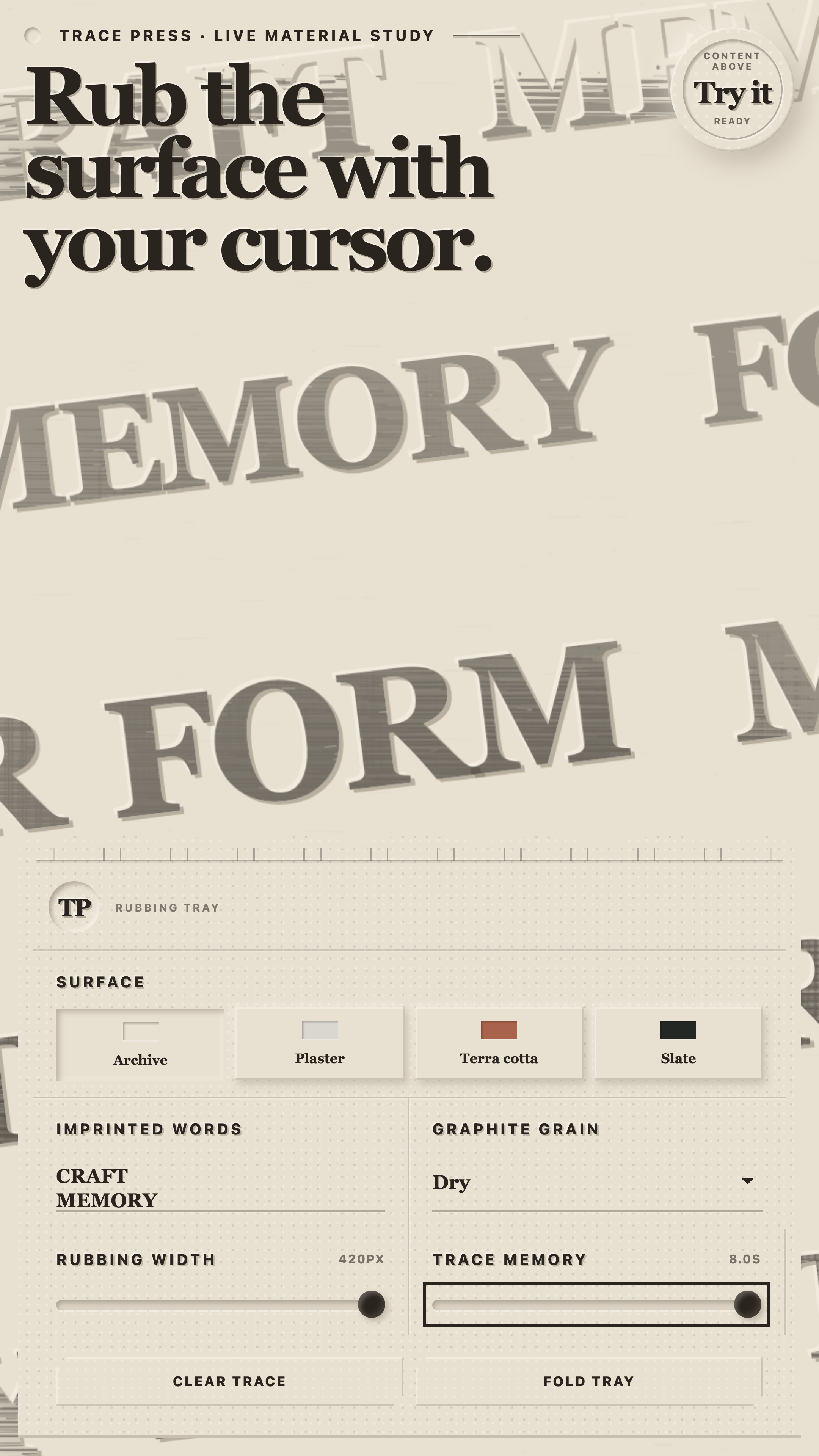
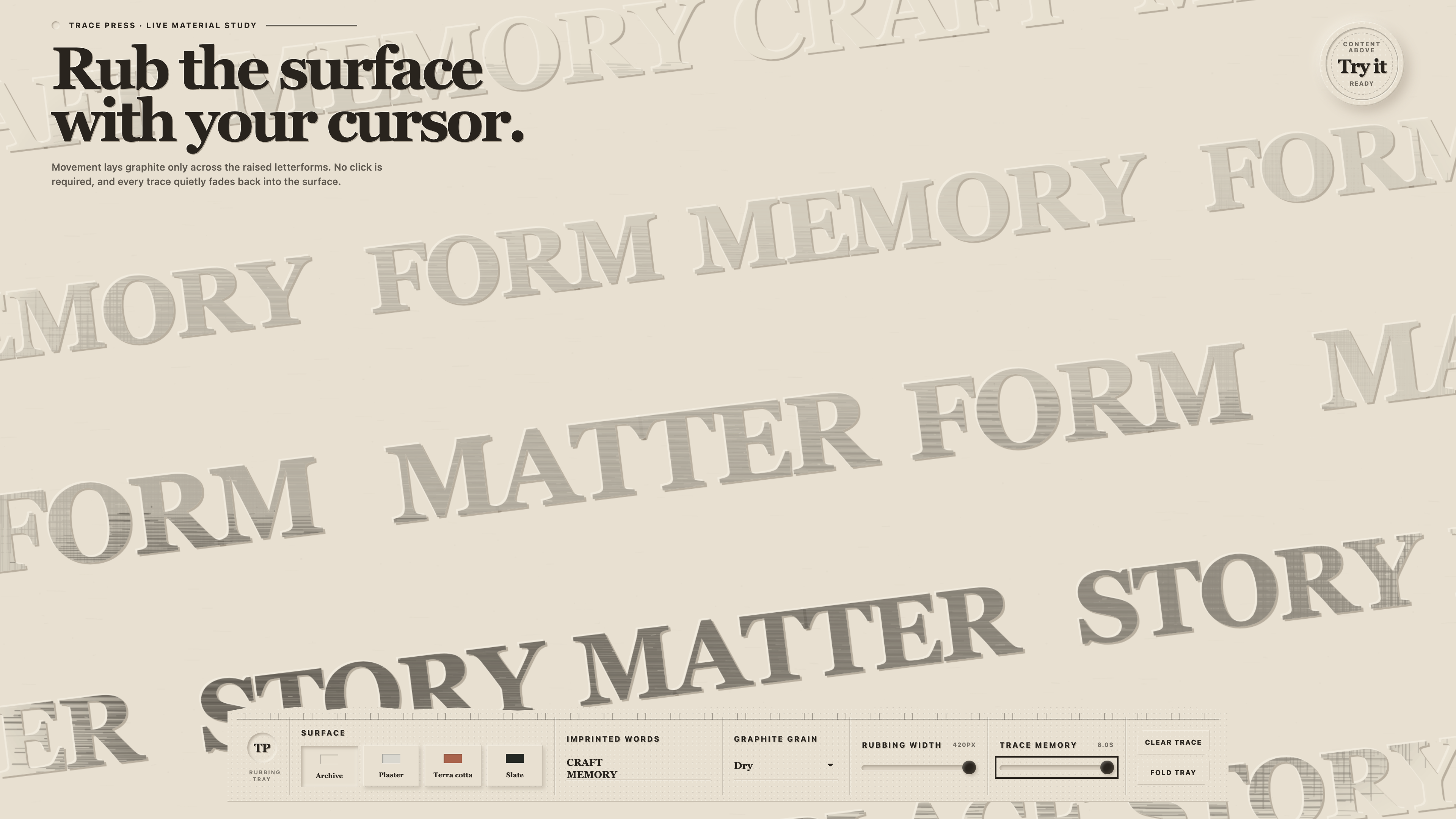
A tactile Framer background that reveals embossed brand words wherever the pointer lays down a temporary graphite rubbing.
Interactive demo
Test the interaction, responsive sizes, and real controls without leaving the product page.
Opens full viewport inside this same product page.
What it solves
Trace Press turns a background into a quiet physical interaction. Words sit blind-embossed inside archive paper, plaster, terracotta or slate, then appear only where pointer or touch movement lays graphite across the raised letterforms. Every trace fades back into the material on its own. Replace the phrases, type, surface, relief, grain and rubbing behavior in Framer while foreground content remains clickable above it.
Graphite appears only across the raised letterforms under the pointer or touch path
Archive paper, plaster, terracotta, slate and fully custom material palettes
Editable phrases, Framer font control, type scale, row density, angle and relief depth
Soft, dry and coarse rubbing textures with adjustable size, pressure, strength and memory
Foreground links and controls stay clickable because the component does not block page input
Responsive fixed-height rendering for desktop, tablet and mobile compositions
Static Framer Canvas and export renderer with no idle animation or timer
Reduced-motion support plus optional touch rubbing and directional grain
Documented situations for this product release.
Brand-led landing page backgrounds
Editorial covers and campaign openings
Portfolio and studio introductions
Tactile product and service storytelling
Images and videos published specifically for this release.
Declared and reviewed values for this specific release; they are not inherited automatically by an update.
This release manifest does not list any dependencies.
These instructions are published as part of this release manifest.
The published manifest marks this release as accessible and declares keyboard support in its demo. This is product information, not third-party conformance certification.
The demo loads only when you open it, unmounts when closed, and never adds its dependencies to SolveKit’s main bundle.
v1.0.0
Use Trace Press in one personal, commercial or client Framer project. Each additional end product requires another license. Redistribution and resale are prohibited.
Published data for identifying this release file and checking it after download.
Yes. Trace Press is designed as a background and does not block pointer input to foreground content.
Yes. Replace the phrases, choose a Framer font and use a preset material or the custom four-color palette.
Yes. The component is responsive and touch rubbing can be enabled when that interaction suits the page.
One purchase covers one personal, commercial or client end product. Additional end products require additional licenses.
A responsive Framer card stack where the complete deck follows pointer and touch gestures in real time.
component · Framer · React · TypeScript · Framer MotionA cursor-tracked dual-message headline for Framer with five presets, touch, keyboard controls and reduced-motion support.